
Overview
What is WaveSpeedAI?
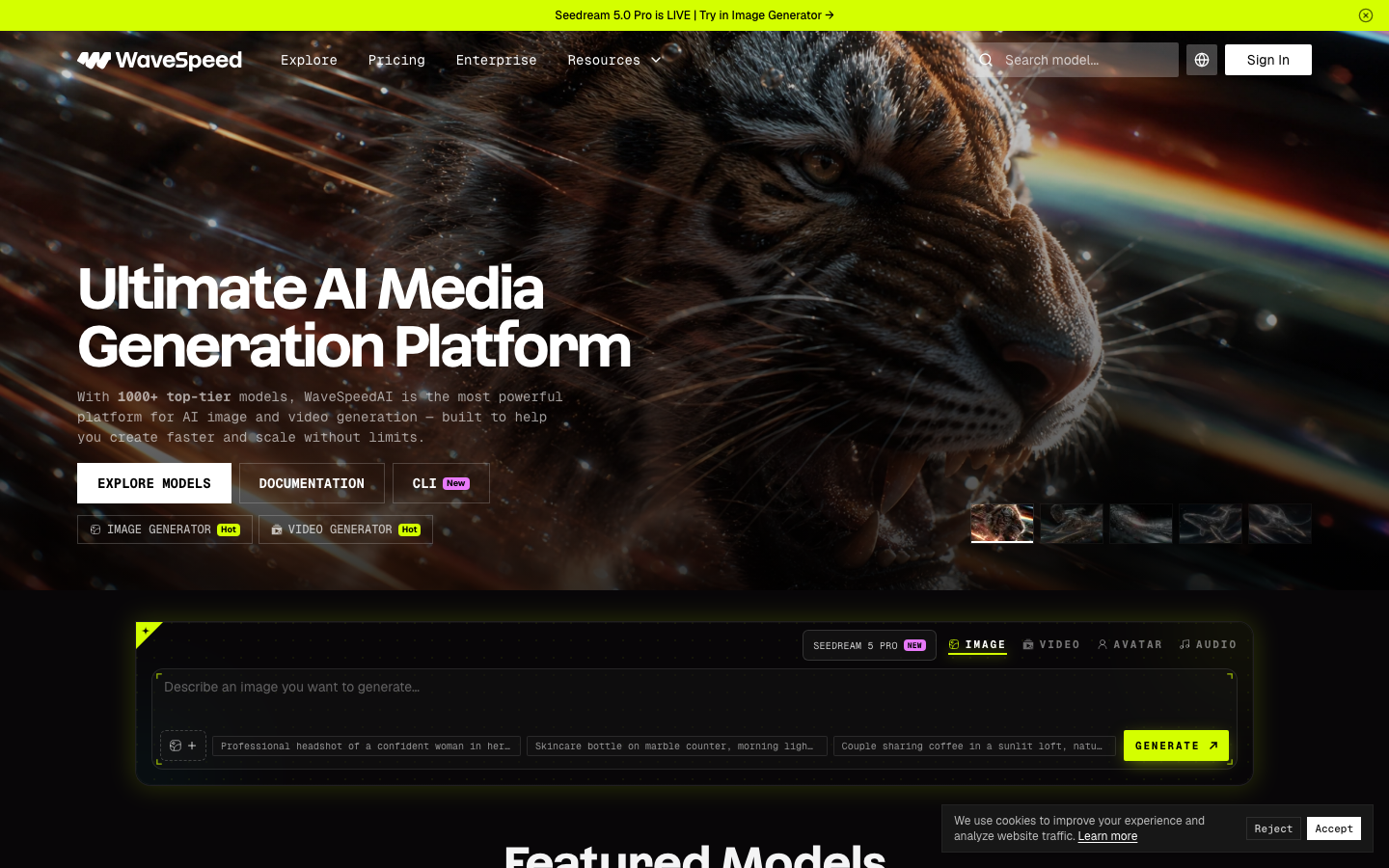
WaveSpeedAI is positioned as an infrastructure and creation platform for AI media. The official site highlights a large model library, one API key, API and CLI access, a desktop app, video and image generators, and enterprise deployment. Its public pricing lists output-based rates for individual models, so buyers should estimate spend by generated seconds, images, model choice, resolution, and retry volume rather than by a monthly seat alone.
Good fit
Who should use WaveSpeedAI?
- Developers who want to call many image, video, audio, and language models through one API.
- Product teams building model-switching, batch-generation, or automated media workflows.
- Creators who prefer a desktop or hosted generator instead of managing model infrastructure.
- Organizations that need enterprise GPU deployment, support, and volume pricing.
Compare first
Who should compare alternatives first?
- Compare per-output model prices and retry rates; pay-per-use can be less predictable than a creator subscription.
- Verify model availability, output resolution, duration, queue behavior, and regional access for the exact endpoint.
- Choose a native creator app if you need a polished editing, caption, or publishing workflow after generation.
- Check enterprise terms, concurrency, support, and data handling before sending production assets.
Use cases
WaveSpeedAI use cases
- Generate image-to-video and text-to-video clips through model APIs.
- Build automated media pipelines that switch between current image and video models.
- Run batch or high-volume generation for products, ads, and social content.
- Prototype with the web or desktop apps before integrating the API or CLI.
- Deploy custom inference capacity for enterprise workflows.
Capabilities
WaveSpeedAI features
- Unified access to 1,000+ image, video, audio, and LLM models.
- REST API, documentation, CLI, and SDK-oriented developer workflow.
- Browser image and video generators plus WaveSpeed Desktop.
- Output-based pricing by image, generated second, video, or token depending on the model.
- Enterprise GPU deployment, custom model deployment, support, and volume pricing.
Pricing
WaveSpeedAI pricing, plans, and credits
WaveSpeedAI bills by model output. The public pricing page lists video rates such as per-second pricing for Seedance, Wan, Kling, and Veo, plus a $1 free-credit trial. Enterprise deployments and volume discounts are available through sales.
$1 free credits for new accounts
Testing endpoints before integration.Model-specific rates for images, video seconds, videos, and tokens
Production API and variable workloads.GPU deployment, support, SLAs, custom models, and volume pricing
Teams requiring dedicated infrastructure or higher limits.Free plan and limits
New accounts receive $1 in free credits without a required monthly subscription. Some premium models may not be available during the trial.
Credits and billing checks
- Confirm whether usage is metered by credits, minutes, generations, seats, or exports.
- Check whether free usage renews monthly or is a one-time allowance.
- Verify whether team seats share one usage pool or receive separate allowances.
- Review export limits, watermark rules, commercial rights, and cancellation terms before paying.
Verification notes
What to verify before choosing it
- Confirm current pricing and free plan limits on the official site.
- Test the output quality against your real workflow before scaling usage.
- Compare the tool against close competitors for pricing, features, and workflow fit.
Tradeoffs
WaveSpeedAI strengths and tradeoffs
Pros
- Broad model coverage makes provider and model testing easier from one integration.
- Pay-per-use pricing can fit APIs and variable production volume.
- The platform serves both developers and creators through API, CLI, desktop, and web surfaces.
Cons
- Model-specific pricing and behavior require more budget tracking than a single subscription.
- It is primarily a generation platform, not a full timeline editor or social publishing suite.
- Endpoint availability, limits, and output pricing can change as new models are added.
Recommendation
Should you use WaveSpeedAI?
Shortlist WaveSpeedAI when your main problem is model access, API integration, or scaling image and video generation across providers. Start with the exact models your product needs, measure usable output cost and latency, and compare a native creator tool if editing and publishing are part of the same job.
Questions
FAQs of WaveSpeedAI
What is WaveSpeedAI?
WaveSpeedAI is an AI media platform that provides access to more than 1,000 image, video, audio, and language models through web, API, CLI, and desktop workflows.
How does WaveSpeedAI pricing work?
WaveSpeedAI primarily charges by model output, such as image, generated video second, video, or token. New accounts receive $1 in free credits.
Does WaveSpeedAI have a free plan?
New accounts receive $1 in free credits. Check the current model list because premium endpoints may have separate access requirements.
Is WaveSpeedAI an API?
Yes. It provides API documentation and a CLI, while also offering web generators and a desktop app for creators.
Who should use WaveSpeedAI?
It is best for developers and production teams that need many models, automated generation, and usage-based billing rather than one fixed creator subscription.