
Overview
What is Kling AI?
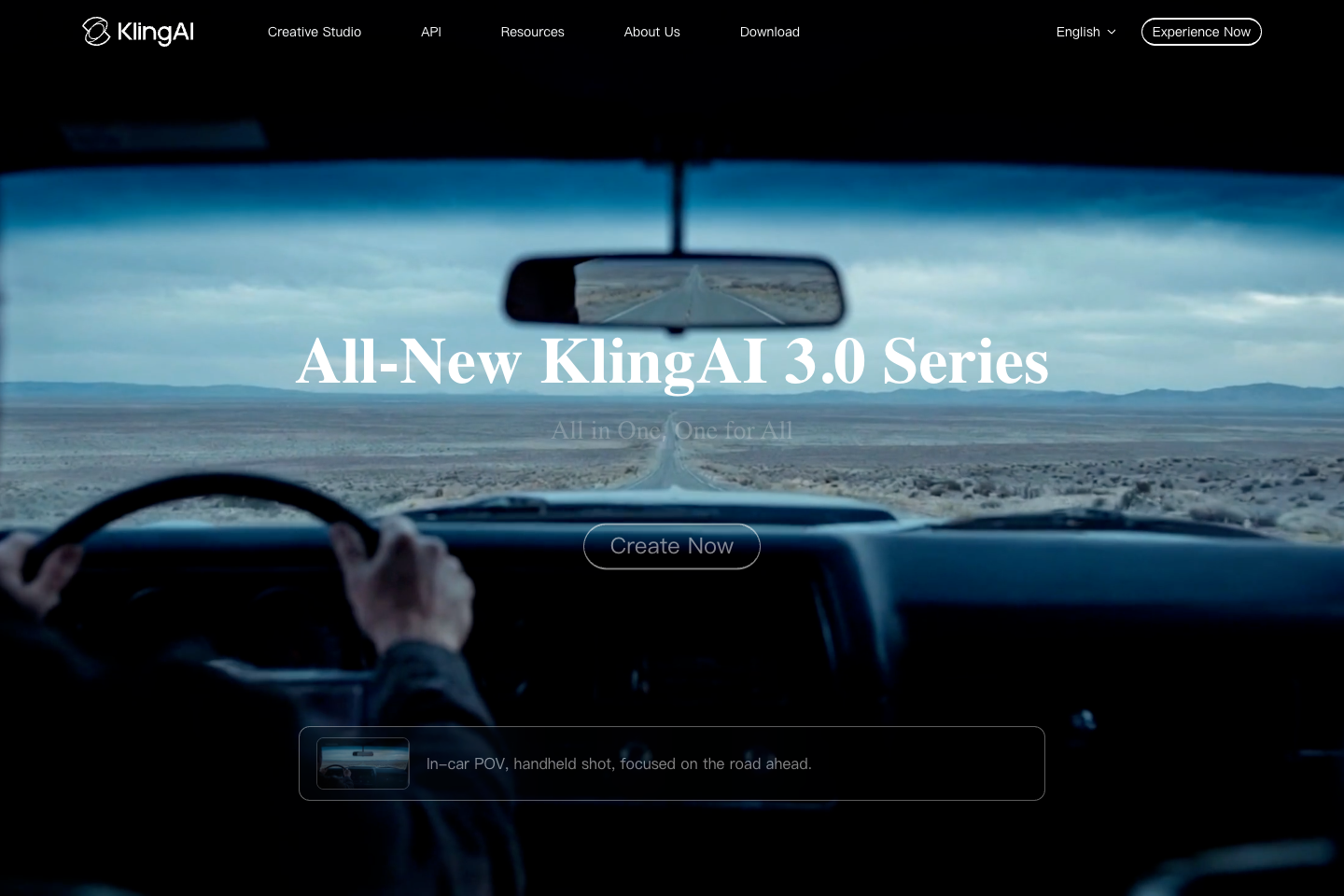
Kling AI is a creative studio and API platform for AI video, image, sound, and effects generation. Its official site lists AI Video Generator, Image to Video, Motion Control, Video 3.0, Omni, Image Generation, Sound Generation, Effects, and API access. Kling 3.0 and VIDEO 3.0 Omni emphasize multimodal instruction parsing, long-form storyboard control, Native Audio, visual identity and voice consistency, multi-scene transitions, and credit-based production planning.
Good fit
Who should use Kling AI?
- Creators who want one studio for AI video generation, image generation, sound generation, effects, and Omni workflows.
- Users creating text-to-video, image-to-video, motion-control, and Video 3.0 projects from Kling AI Creative Studio.
- Teams planning storyboard-driven scenes with Kling VIDEO 3.0 or VIDEO 3.0 Omni, including multi-scene transitions and reference-driven consistency.
- Creators who need 4K video output, Native Audio, Multi-Shot, or reference workflows and are willing to plan around credits.
- Developers or businesses evaluating Kling AI API workflows such as text-to-video, image-to-video, multi-image-to-video, and multi-element video editing.
Compare first
Who should compare alternatives first?
- Compare alternatives first if you need simple unlimited pricing: Kling AI uses membership plans and credits, and project cost depends on model, feature, resolution, duration, references, and retries.
- Compare alternatives first if you need commercial rights on a free plan: the Basic plan guide says generated content is not for commercial use.
- Compare alternatives first if 4K output is central to your workflow: Kling VIDEO 3.0 4K is listed as a 30 credits-per-second planning reference.
- Compare alternatives first if you need stable long-term pricing: Kling AI states that prices, plan benefits, access rules, and payment models can change, and the current product page prevails.
- Compare alternatives first if watermark removal matters and you do not plan to pay: Kling AI terms say members hold exclusive rights to remove brand watermarks.
Use cases
Kling AI use cases
- Generate AI videos from text prompts in Kling AI Creative Studio.
- Turn still images into video with the Image to Video workflow.
- Use Motion Control for AI video scenes that need directed camera or subject movement.
- Create AI images with Kling AI Image Generation and Image 3.0 tools.
- Generate sound, ambience, effects, dialogue, or lip-movement-supported audio with Native Audio and Sound Generation workflows.
- Build multi-shot or storyboard-style cinematic sequences with Kling VIDEO 3.0 and Multi-Shot planning.
- Create 4K video output with Kling VIDEO 3.0 when sharper detail and large-screen playback matter.
- Use reference-driven VIDEO 3.0 Omni workflows for recurring characters, products, voices, or visual identity.
- Use Element Library 3.0 and element creation for reusable subjects or branded assets.
- Use Kling AI API packages for text-to-video, image-to-video, multi-image-to-video, and multi-element video editing workflows.
Capabilities
Kling AI features
- Kling AI Creative Studio includes AI Video Generator, Image to Video, Motion Control, and Video 3.0 entry points.
- AI Tools include Omni, Video Generation, Image Generation, Sound Generation, Effects, and More Tools.
- Kling 3.0 includes VIDEO 3.0 and VIDEO 3.0 Omni models.
- VIDEO 3.0 and VIDEO 3.0 Omni support deep multimodal instruction parsing and cross-task integration.
- VIDEO 3.0 supports precise long-form storyboard control for narrative video workflows.
- Native Audio supports dialogue, ambience, sound effects, and lip movement in supported Kling VIDEO workflows.
- VIDEO 3.0 Omni supports reference-driven workflows such as video element reference and element voice control.
- Multi-Shot can define duration, framing, viewpoint, narrative content, and camera movement.
- Kling VIDEO 3.0 series supports flexible generation duration from 3 to 15 seconds.
- Kling VIDEO 3.0 series includes native 4K video output for sharper visuals and cinematic texture.
- Paid membership benefits can include fast-track generation, 1080p video generation, image upscaling, watermark removal, video extension, and commercial-use access.
- Kling AI offers an API platform with text-to-video, image-to-video, multi-image-to-video, and multi-element video editing pricing packages.
Pricing
Kling AI pricing, plans, and credits
Kling AI uses membership plans and credits. Its official 3.0 credit guide lists Basic as $0/free forever with no monthly credits and non-commercial generated content, then Standard, Pro, Premier, and Ultra paid plans with 660, 3,000, 8,000, and 26,000 monthly credits. Credits, prices, plan benefits, and access rules can change, so confirm the live membership page before budgeting.
No monthly credits
Testing Kling AI before paid production.660 credits/mo
Creators starting paid AI video and image workflows.3,000 credits/mo
Creators who need more monthly iterations and production volume.8,000 credits/mo
Teams or heavy creators planning larger monthly production runs.26,000 credits/mo
High-volume users who need the largest listed monthly credit allowance.Free plan and limits
Basic is $0/free forever, with no monthly credits and generated content not for commercial use according to Kling AI official 3.0 credit guidance.
Credits and billing checks
- Confirm whether usage is metered by credits, minutes, generations, seats, or exports.
- Check whether free usage renews monthly or is a one-time allowance.
- Verify whether team seats share one usage pool or receive separate allowances.
- Review export limits, watermark rules, commercial rights, and cancellation terms before paying.
Verification notes
What to verify before choosing it
- Confirm current pricing and free plan limits on the official site.
- Test the output quality against your real workflow before scaling usage.
- Compare the tool against close competitors for pricing, features, and workflow fit.
Tradeoffs
Kling AI strengths and tradeoffs
Pros
- Broad creative workspace covering video, image, sound, effects, Omni tools, downloadable apps, and API access.
- Kling 3.0 official pages emphasize multimodal instructions, storyboard control, Native Audio, multi-scene transitions, and consistency.
- Paid plans list large monthly credit pools and production benefits such as 1080p generation, image upscaling, watermark removal, video extension, and commercial-use access.
Cons
- Credit planning can be complex because usage depends on model choice, resolution, audio, references, duration, and retries.
- The Basic free plan is listed with no monthly credits, and generated content is not for commercial use.
- 4K output can be credit-intensive because Kling lists 4K generation at 30 credits per second as a planning reference.
- Pricing, plan benefits, access rules, and payment models can change, so the live membership page needs checking before production budgeting.
Community evidence
Reddit and community signals
Public Reddit discussions around Kling AI are mixed-positive: users praise image and video quality, but recurring concerns include prompt difficulty, credit consumption, image-to-video cost planning, and how clip length affects real production budgets.
Sentiment: Mixed-positive: quality perception is strong, but credit planning and prompt reliability are common concerns.
Next comparisons
Best alternatives and related comparisons
Related comparisons
Related alternatives
Recommendation
Should you use Kling AI?
Kling AI is worth shortlisting if you need a broad AI creative studio for text-to-video, image-to-video, motion control, sound/effects, multi-shot scenes, reference-driven consistency, or 4K/Native Audio video workflows. Compare alternatives first if your decision depends on simple unlimited pricing, commercial rights on a free plan, stable credit costs, or low-risk high-volume generation.
Questions
FAQs of Kling AI
What does Kling AI do?
Kling AI is an AI creative studio for generating and editing video, images, sound, and effects. Its official site lists AI Video Generator, Image to Video, Motion Control, Video 3.0, Omni, Image Generation, Sound Generation, and Effects tools.
Is Kling AI free?
Kling AI lists a Basic plan at $0/free forever. The official 3.0 credit guide says Basic has no monthly credits, includes Element Creation Quantity 30, and generated content is not for commercial use.
How does Kling AI pricing work?
Kling AI uses membership plans and credits. The official guide lists Standard, Pro, Premier, and Ultra paid plans with larger monthly credit pools, while paid service terms say current product pages and announcements govern the actual benefits and pricing rules.
Does Kling AI support image-to-video?
Yes. Kling AI lists Image to Video in Creative Studio, and its API pricing page references Image-to-Video and Multi-image-to-Video workflows.
What is Kling 3.0?
Kling 3.0 is the current model series promoted on Kling AI. The official homepage says VIDEO 3.0 and VIDEO 3.0 Omni support multimodal instruction parsing, cross-task integration, storyboard control, Native Audio, visual and voice consistency, and multi-scene transitions.
Is Kling AI good for commercial use?
Kling AI paid plans in the official 3.0 credit guide list generated content as available for commercial use on Standard and higher plans. The Basic plan is listed as not for commercial use, so users should confirm current plan terms before publishing commercial assets.