
Overview
What is Submagic?
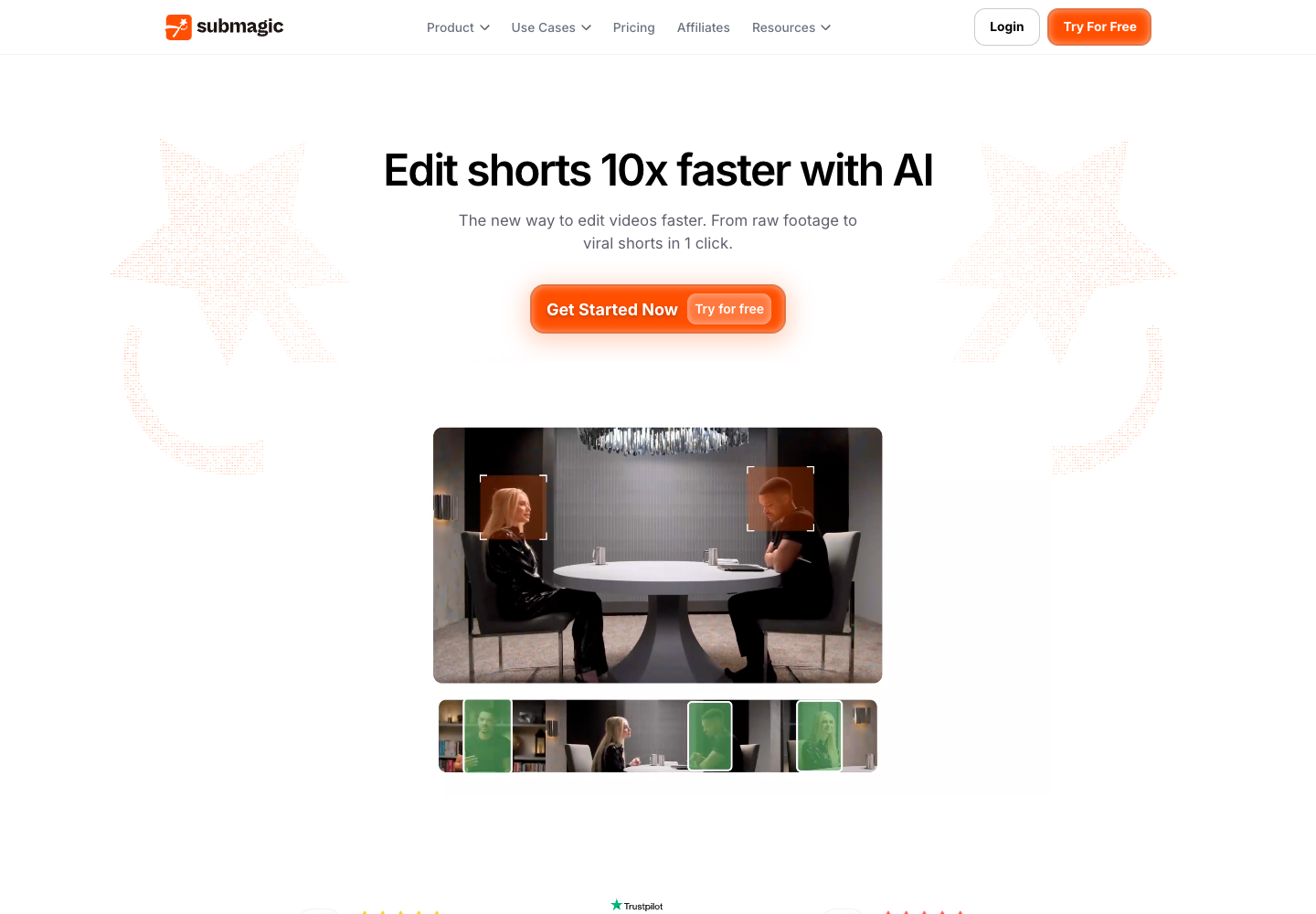
Submagic is designed to turn recorded footage into edited short-form video in a browser workflow. The official product presents automatic captions, text-based trimming, B-roll and audio, AI hooks, cleanup tools, caption translation, brand assets, publishing integrations, and Magic Clips for identifying clips from longer videos. The plan you choose determines upload volume, maximum source-video duration, AI credits, export quality, API minutes, and access to higher-end editing features.
Good fit
Who should use Submagic?
- Creators turning talking-head, podcast, interview, or educational footage into captioned social clips.
- Editors who prefer a browser workflow for subtitles, text-based trimming, B-roll, audio, and branded short-video exports.
- Agencies and teams that need higher upload limits, longer source videos, shared brand assets, or API and integration minutes.
Compare first
Who should compare alternatives first?
- Compare plans by source-video duration and monthly upload limit: Starter allows 15 videos up to two minutes, Pro 40 up to five minutes, and Business 100 up to 30 minutes.
- Magic Clips is an additional paid add-on, not an included unlimited long-form clipping allowance.
- Check the exact plan before committing if you need 4K, 60 FPS, higher API minutes, custom templates, or a larger team workflow.
Use cases
Submagic use cases
- Add automatic captions and caption templates to social-video exports.
- Trim spoken footage through a text-based editing workflow.
- Add B-roll, audio, hooks, cleanup, and brand assets to short clips.
- Repurpose long videos into short clips with the optional Magic Clips add-on.
- Prepare short-form video for TikTok, YouTube, and Instagram publishing workflows.
Capabilities
Submagic features
- AI automatic captions, caption templates, and caption translation.
- Text-based trimming plus AI tools for silences, bad takes, and audio cleanup on eligible plans.
- B-roll and audio libraries, including expanded Storyblocks access on higher plans.
- Brand Kit, custom templates, logos, and custom vocabulary on suitable plans.
- Magic Clips add-on for turning long videos into short clips.
- API and integrations with plan-specific included minutes.
Pricing
Submagic pricing, plans, and credits
Submagic advertises a three-video free trial with no credit card. Its monthly Starter, Pro, and Business + API plans are listed at $19, $39, and $69 per member/month, respectively. Limits scale from 15 uploads with two-minute source videos to 100 uploads with 30-minute source videos. Magic Clips is a separate $19 monthly add-on for 10 long-video uploads, so budget it separately from the core editor.
3 videos
Testing the editor with a real short-form workflow.15 videos; max. 2 minutes each; 3 AI credits
Individuals starting with short-form editing.40 videos; max. 5 minutes each; 6 AI credits
Regular creators and editors.100 videos; max. 30 minutes each; 15 AI credits
Teams and agencies with higher-volume or branded workflows.10 long-video uploads
Users whose main requirement is extracting clips from longer videos.Free plan and limits
Submagic advertises a three-video free trial with no credit card required. Verify current trial limits and export rights before using it in a client workflow.
Credits and billing checks
- Confirm whether usage is metered by credits, minutes, generations, seats, or exports.
- Check whether free usage renews monthly or is a one-time allowance.
- Verify whether team seats share one usage pool or receive separate allowances.
- Review export limits, watermark rules, commercial rights, and cancellation terms before paying.
Verification notes
What to verify before choosing it
- Confirm current pricing and free plan limits on the official site.
- Test the output quality against your real workflow before scaling usage.
- Compare the tool against close competitors for pricing, features, and workflow fit.
Tradeoffs
Submagic strengths and tradeoffs
Pros
- Purpose-built editing workflow for captioned, social-first video from existing footage.
- Transparent published limits for uploads, source duration, AI credits, and export capabilities.
- Higher plans add brand, publishing, team, API, and quality controls rather than only more uploads.
Cons
- It is primarily an editor and repurposing tool, not a native text-to-video model provider.
- Long-form clip extraction requires the separate Magic Clips add-on.
- Core limits such as source duration, upload count, export quality, and API minutes vary substantially by plan.
Next comparisons
Best alternatives and related comparisons
Related alternatives
Recommendation
Should you use Submagic?
Choose Submagic when your starting point is real footage and you need fast captions, trims, B-roll, branding, and short-form exports in one browser editor. Compare dedicated clipping tools if long-form extraction is the main job, and compare video generators if you need to create footage rather than edit it.
Questions
FAQs of Submagic
What is Submagic?
Submagic is an AI video editor for creating short-form videos from existing footage. Its official product pages highlight automatic captions, text-based trimming, B-roll and audio, AI editing tools, branded exports, and long-video repurposing through Magic Clips.
Is Submagic free?
Submagic advertises a three-video free trial with no credit card required. Ongoing use is sold through paid plans, so confirm the current trial limits and included export rights before relying on the free access.
How much does Submagic cost?
The official monthly pricing page lists Starter at $19, Pro at $39, and Business + API at $69 per member/month. Magic Clips is listed as an additional $19 per member/month add-on. Annual billing is shown separately at a discounted rate.
What does Magic Clips include?
Magic Clips is Submagic's optional add-on for creating clips from long videos. The pricing page lists 10 long-video uploads per month for the add-on; confirm the live limit and supported source formats before purchasing.
Who is Submagic best for?
Submagic is best for creators, social teams, and agencies editing existing spoken or recorded footage into captioned short videos. It is less direct a fit when the main need is AI-generated footage rather than editing and repurposing.